Page 199 - Customize-Project-Plan-by-tailoring-Smartsheet
P. 199
Customize your Project Plan
                                                                                                            
                                                                               by tailoring Smartsheet


                      59.1.5.       Rows & Columns


               Keyboard Shortcut             Action

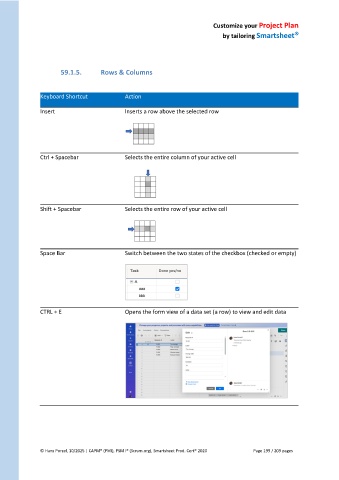
               Insert                        Inserts a row above the selected row


               Ctrl + Spacebar               Selects the entire column of your active cell


               Shift + Spacebar              Selects the entire row of your active cell


               Space Bar                     Switch between the two states of the checkbox (checked or empty)


               CTRL + E                      Opens the form view of a data set (a row) to view and edit data


               © Hans Porzel, 10/2025 | CAPM® (PMI), PSM I® (Scrum.org), Smartsheet Prod. Cert® 2020                                             Page 199 / 209 pages
   194   195   196   197   198   199   200   201   202   203   204