Page 201 - Customize-Project-Plan-by-tailoring-Smartsheet
P. 201
Customize your Project Plan
                                                                                                            
                                                                               by tailoring Smartsheet


                      59.1.7.       Formulas & Functions


               Keyboard Shortcut             Action


               Ctrl + L                      Inserts a $ sign in front of the column name to make it an absolute
                                             reference.
               (roll through)

               Ctrl + L + L                  Inserts a $ sign behind the column name to make it an absolute
                                             reference
               (roll through)


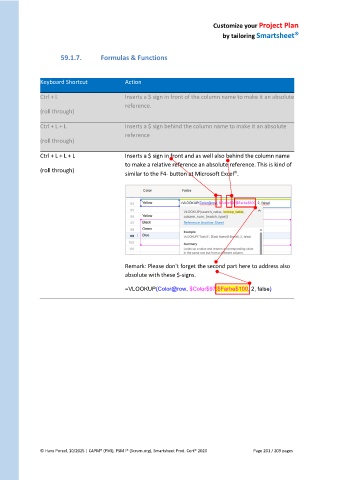
               Ctrl + L + L + L              Inserts a $ sign in front and as well also behind the column name
                                             to make a relative reference an absolute reference. This is kind of
               (roll through)                                                      
                                             similar to the F4- button at Microsoft Excel .


                                             Remark: Please don't forget the second part here to address also
                                             absolute with these $-signs.

                                             =VLOOKUP(Color@row, $Color$97:$Farbe$100, 2, false)


               © Hans Porzel, 10/2025 | CAPM® (PMI), PSM I® (Scrum.org), Smartsheet Prod. Cert® 2020                                             Page 201 / 209 pages
   196   197   198   199   200   201   202   203   204   205   206