


Page 111 - Customize-Project-Plan-by-tailoring-Smartsheet
P. 111
Customize your Project Plan
by tailoring Smartsheet
38. Formats (Currency, Date, …)
38.1. Formats (Currency, Date, …)
It certainly doesn't need much explanation how to format figures, dates, etc.
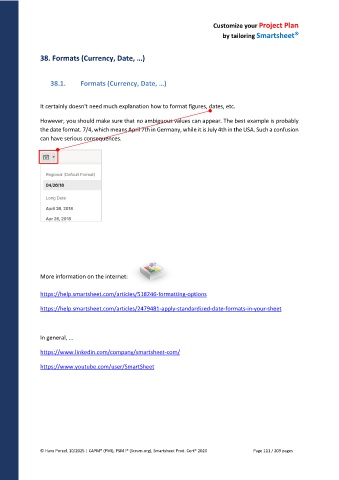
However, you should make sure that no ambiguous values can appear. The best example is probably
the date format. 7/4, which means April 7th in Germany, while it is July 4th in the USA. Such a confusion
can have serious consequences.
More information on the internet:
https://help.smartsheet.com/articles/518246-formatting-options
https://help.smartsheet.com/articles/2479481-apply-standardized-date-formats-in-your-sheet
In general, ...
https://www.linkedin.com/company/smartsheet-com/
https://www.youtube.com/user/SmartSheet
© Hans Porzel, 10/2025 | CAPM® (PMI), PSM I® (Scrum.org), Smartsheet Prod. Cert® 2020 Page 111 / 209 pages

