


Page 135 - Customize-Project-Plan-by-tailoring-Smartsheet
P. 135
Customize your Project Plan
by tailoring Smartsheet
50. Freeze Columns
50.1. Freeze Columns
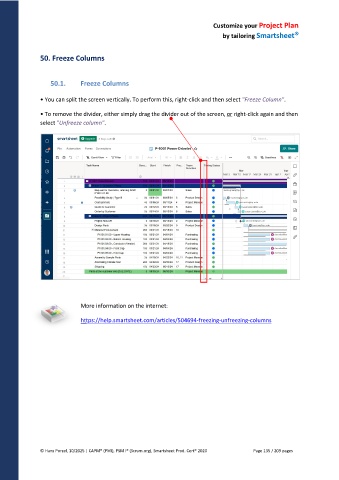
• You can split the screen vertically. To perform this, right-click and then select "Freeze Column".
• To remove the divider, either simply drag the divider out of the screen, or right-click again and then
select "Unfreeze column".
More information on the internet:
https://help.smartsheet.com/articles/504694-freezing-unfreezing-columns
© Hans Porzel, 10/2025 | CAPM® (PMI), PSM I® (Scrum.org), Smartsheet Prod. Cert® 2020 Page 135 / 209 pages

