


Page 143 - Customize-Project-Plan-by-tailoring-Smartsheet
P. 143
Customize your Project Plan
by tailoring Smartsheet
54. Automation by Workflows
54.1. Automation by Workflows; e-mail when due date passed
In this chapter we will talk about "Automation through workflows".
There are already plenty of pre-defined workflow templates at Smartsheet available, but for
now we will create one from scratch.
CASE STUDY
Let's say, we would like to send automatically an e-mail to the team member who missed a
due date.
Of course, we could also send already a message a few days earlier, that would be nice, but is not the
purpose of a project plan to remind everybody with a flood of e-mails.
On the other hand, we could also be "unpleasant" by causing discomfort, and put an additional col-
umn to our project plan, called "supervisor", draw the superior by VLOOKUP from the Team sheet,
but blow out an e-mail to the team member's supervisor that his/her guy missed a date. But like I al-
ready said above, we will here just be decent and will remind our team member by an alert that
he/she overrun a task.
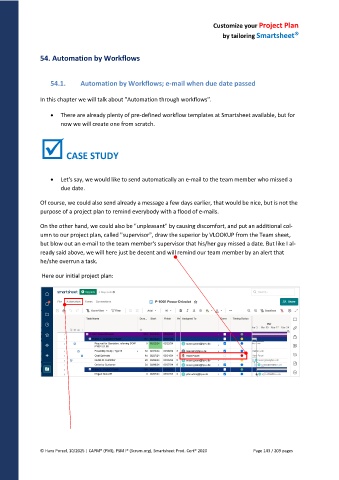
Here our initial project plan:
© Hans Porzel, 10/2025 | CAPM® (PMI), PSM I® (Scrum.org), Smartsheet Prod. Cert® 2020 Page 143 / 209 pages

