


Page 80 - Customize-Project-Plan-by-tailoring-Smartsheet
P. 80
Customize your Project Plan
by tailoring Smartsheet
27. Critical Path
27.1. Critical Path
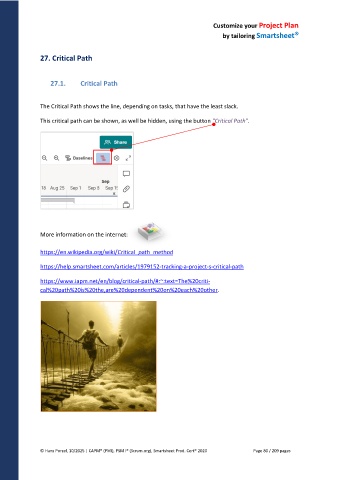
The Critical Path shows the line, depending on tasks, that have the least slack.
This critical path can be shown, as well be hidden, using the button "Critical Path".
More information on the internet:
https://en.wikipedia.org/wiki/Critical_path_method
https://help.smartsheet.com/articles/1979152-tracking-a-project-s-critical-path
https://www.iapm.net/en/blog/critical-path/#:~:text=The%20criti-
cal%20path%20is%20the,are%20dependent%20on%20each%20other.
© Hans Porzel, 10/2025 | CAPM® (PMI), PSM I® (Scrum.org), Smartsheet Prod. Cert® 2020 Page 80 / 209 pages

