


Page 59 - Customize-Project-Plan-by-tailoring-Smartsheet
P. 59
Customize your Project Plan
by tailoring Smartsheet
21. Copy & Paste
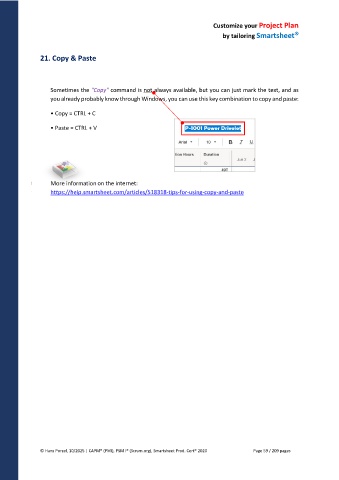
Sometimes the "Copy" command is not always available, but you can just mark the text, and as
you already probably know through Windows, you can use this key combination to copy and paste:
• Copy = CTRL + C
• Paste = CTRL + V
More information on the internet:
https://help.smartsheet.com/articles/518318-tips-for-using-copy-and-paste
© Hans Porzel, 10/2025 | CAPM® (PMI), PSM I® (Scrum.org), Smartsheet Prod. Cert® 2020 Page 59 / 209 pages

