


Page 175 - Customize-Project-Plan-by-tailoring-Smartsheet
P. 175
Customize your Project Plan
by tailoring Smartsheet
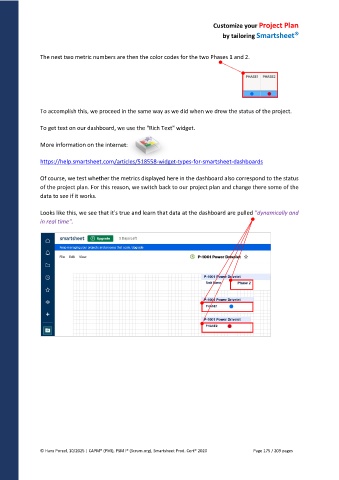
The next two metric numbers are then the color codes for the two Phases 1 and 2.
To accomplish this, we proceed in the same way as we did when we drew the status of the project.
To get text on our dashboard, we use the "Rich Text" widget.
More information on the internet:
https://help.smartsheet.com/articles/518558-widget-types-for-smartsheet-dashboards
Of course, we test whether the metrics displayed here in the dashboard also correspond to the status
of the project plan. For this reason, we switch back to our project plan and change there some of the
data to see if it works.
Looks like this, we see that it's true and learn that data at the dashboard are pulled "dynamically and
in real time".
© Hans Porzel, 10/2025 | CAPM® (PMI), PSM I® (Scrum.org), Smartsheet Prod. Cert® 2020 Page 175 / 209 pages

